
Posts
A new fan-made port of Wipeout can be played in a web browser
If you just wanna play it, here's the link: https://phoboslab.org/wipegame/
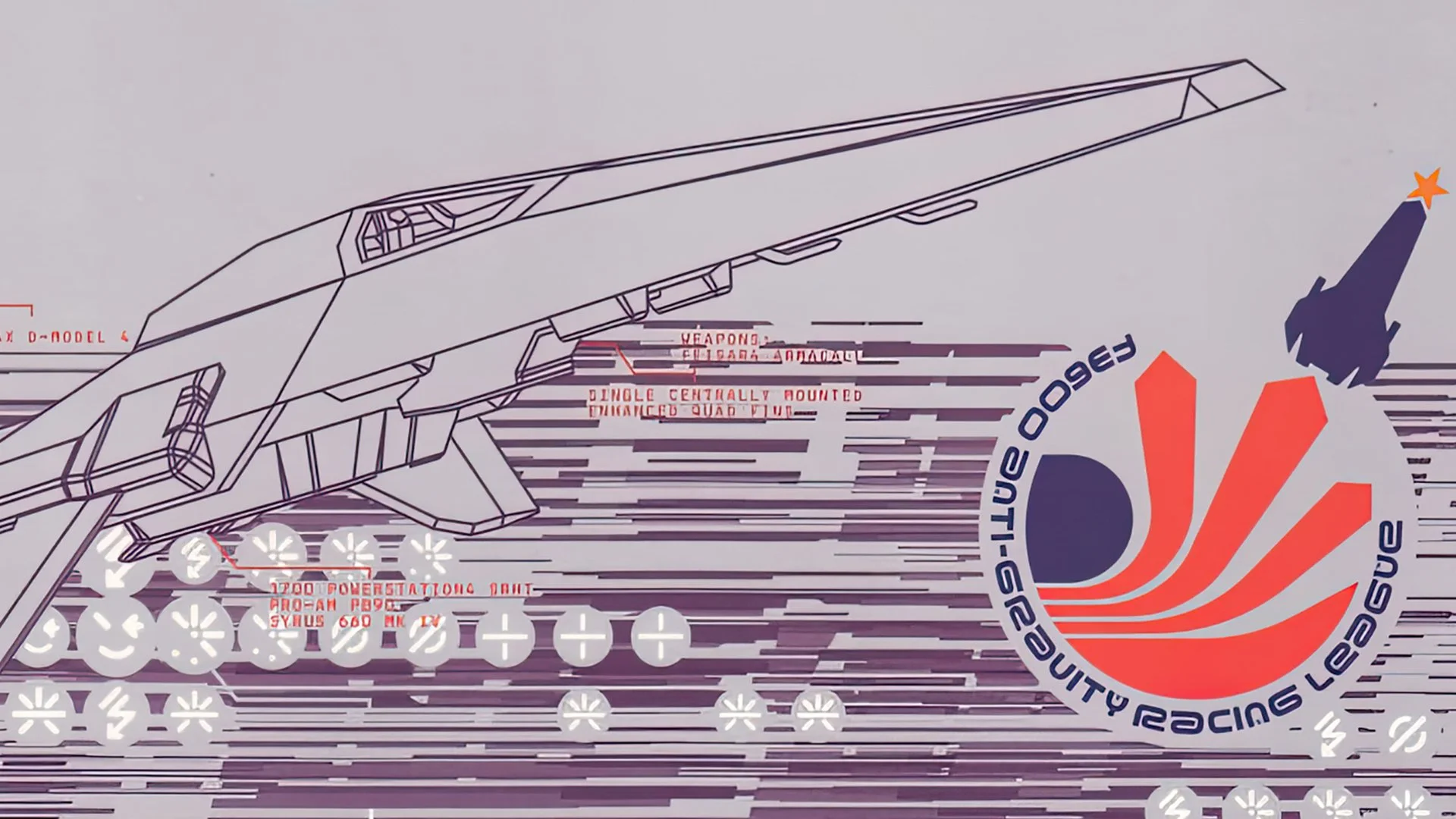 https://www.videogameschronicle.com/news/a-new-fan-made-port-of-wipeout-can-be-played-in-a-web-browser/Open linkView original on kbin.social
What are your favorite mods for Cities Skylines?
It's been a while since I've really dug into the modding scene and I probably should clean out my steam workshop subscriptions list. Here's a few of the big mods that I have, am I missing anything new?
- TMPE
- Node Controller Renewed
- Intersection Marking Tool
- Network Anarchy
- Metro Overhaul Mod
- Real Time
- Lifecycle Rebalance Revisited
Water fountain turned on before news conference, soaking attendees
City officials were sent to announce renovations for the Ambrose Kennedy Pool in east Baltimore when the water fountain was turned on
kbin Enhancement Suite: a community-curated script manager that lets you customize your kbin experience
A couple of weeks ago, @shazbot made this post about a project that they were working on. Since then, @shazbot, @ori, @minnieo and I have been hard at work, and we are excited to finally announce the official release of kbin Enhancement Suite (KES)!
kbin has seen an explosion of user-made add-ons, but keeping track of them in one place, letting them share settings with one another, and toggling them on and off can be a challenge. KES is an expandable add-on manager that aims to rectify this by providing a unified interface and framework for script makers to collaborate, and letting you use them all in one place.
KES brings together userscripts from the community, with a built-in settings menu that lets you tailor your experience to your liking. It also offers a flexible framework that empowers script authors to effortlessly integrate scripts into KES and set up custom input fields with no additional code.
KES gives you a single window onto a collection of enhancements that is growing by the day. And those features can be added to by you!
What the feed looks like with everything enabled
The comments with everything turned on
Features
We’ve focused on making customizing your kbin experience as easy as possible, whether you are on mobile or desktop. After we sort out the bug reports from this release, we plan on adding many more features! Here’s what we have so far:
- Collapsible comments with nesting (by @artillect)
- Use slash commands to add emoticons in text areas (by @minnieo)
- Add syntax highlighting (with customizable themes) to code blocks (by @ori)
- Show instance names next to non-local users and communities (by @artillect)
- Add a link to message users on your instance next to their usernames (by @shazbot)
- Hide upvote/downvote buttons and reputation (by @artillect)
- Show more detailed timestamps on threads and comments (by @shazbot)
- Hide thumbnails on threads (by @shazbot)
- Add link to subscribed magazines to the navbar (by @shazbot)
- Replace or hide the kbin logo in the navbar (by @shazbot)
- Add “OP” label next to thread author’s username in comments (by @shazbot)
- Convert navigation links on profile pages into a dropdown (by @shazbot)
Each of these can be toggled in the settings menu, and some of them have additional configuration options, such as setting custom labels, colors, etc.
New features are added on a rolling basis and the menu pages will update on the fly to reflect this new content.
Installation
Click here to install KES, and follow your userscript manager’s prompt to complete the installation.
If you don’t have a userscript management extension, you can install one of these, and then install KES using the link above:
- TamperMonkey (desktop, or Firefox on Android)
- Userscripts (iOS 15+)
Once KES is successfully installed, access the settings menu by clicking on the wrench icon located at the top-right corner next to your username. From there, you can enable the features you like, and customize your browsing experience.
More information
For bug reports and feature requests, visit our GitHub repository’s issues page. If you have any questions or need assistance, don’t hesitate to ask here or make a post on /m/enhancement!
Developers
If you are a userscript author, we’d love it if you could try porting your userscripts into KES, or try writing completely new ones for it! @shazbot has made it easy to integrate your scripts: you just need to add your script’s information to manifest.json, make a few small modifications to your script, add it all to the GitHub repository, and you’re good to go!
KES benefits:
- Turnkey integration: a simple, declarative framework for dynamically adding features to the UI without touching the underlying code
- Sharing of user-defined settings through script namespaces: access your script settings, and those from other scripts, through a well-defined object
- Automatically responds to infinite scroll and page reload events
- Attribution of script authors
- Easily toggle scripts on/off
Explore KES’s documentation here to get started. If you have any questions, feel free to reach out here, on /m/enhancement, or at our GitHub repository.
kbin Enhancement Suite: a community-curated script manager that lets you customize your kbin experience
A couple of weeks ago, @shazbot made this post about a project that they were working on. Since then, @shazbot, @ori, @minnieo and I have been hard at work, and we are excited to finally announce the official release of kbin Enhancement Suite (KES)!
kbin has seen an explosion of user-made add-ons, but keeping track of them in one place, letting them share settings with one another, and toggling them on and off can be a challenge. KES is an expandable add-on manager that aims to rectify this by providing a unified interface and framework for script makers to collaborate, and letting you use them all in one place.
KES brings together userscripts from the community, with a built-in settings menu that lets you tailor your experience to your liking. It also offers a flexible framework that empowers script authors to effortlessly integrate scripts into KES and set up custom input fields with no additional code.
KES gives you a single window onto a collection of enhancements that is growing by the day. And those features can be added to by you!
What the feed looks like with everything enabled
The comments with everything turned on
Features
We’ve focused on making customizing your kbin experience as easy as possible, whether you are on mobile or desktop. After we sort out the bug reports from this release, we plan on adding many more features! Here’s what we have so far:
- Collapsible comments with nesting (by @artillect)
- Use slash commands to add emoticons in text areas (by @minnieo)
- Add syntax highlighting (with customizable themes) to code blocks (by @ori)
- Show instance names next to non-local users and communities (by @artillect)
- Add a link to message users on your instance next to their usernames (by @shazbot)
- Hide upvote/downvote buttons and reputation (by @artillect)
- Show more detailed timestamps on threads and comments (by @shazbot)
- Hide thumbnails on threads (by @shazbot)
- Add link to subscribed magazines to the navbar (by @shazbot)
- Replace or hide the kbin logo in the navbar (by @shazbot)
- Add “OP” label next to thread author’s username in comments (by @shazbot)
- Convert navigation links on profile pages into a dropdown (by @shazbot)
Each of these can be toggled in the settings menu, and some of them have additional configuration options, such as setting custom labels, colors, etc.
New features are added on a rolling basis and the menu pages will update on the fly to reflect this new content.
Installation
Click here to install KES, and follow your userscript manager’s prompt to complete the installation.
If you don’t have a userscript management extension, you can install one of these, and then install KES using the link above:
- TamperMonkey (desktop, or Firefox on Android)
- Userscripts (iOS 15+)
Once KES is successfully installed, access the settings menu by clicking on the wrench icon located at the top-right corner next to your username. From there, you can enable the features you like, and customize your browsing experience.
More information
For bug reports and feature requests, visit our GitHub repository’s issues page. If you have any questions or need assistance, don’t hesitate to ask here or make a post on /m/enhancement!
Developers
If you are a userscript author, we’d love it if you could try porting your userscripts into KES, or try writing completely new ones for it! @shazbot has made it easy to integrate your scripts: you just need to add your script’s information to manifest.json, make a few small modifications to your script, add it all to the GitHub repository, and you’re good to go!
KES benefits:
- Turnkey integration: a simple, declarative framework for dynamically adding features to the UI without touching the underlying code
- Sharing of user-defined settings through script namespaces: access your script settings, and those from other scripts, through a well-defined object
- Automatically responds to infinite scroll and page reload events
- Attribution of script authors
- Easily toggle scripts on/off
Explore KES’s documentation here to get started. If you have any questions, feel free to reach out here, on /m/enhancement, or at our GitHub repository.
Is anyone else having trouble making image posts on kbin?
I'm trying to upload a picture to make a post, and I keep getting the error "This value should not be blank" when I try to submit my post, even though all of them are filled in. Any idea what's going on?
Out of all of the alternate arts released in the last few years, which one is your favorite?
I really like [[Strategic Planning|STA]] (does this work with the set code?)
NASA to celebrate one year of Webb telescope at Enoch Pratt event
The National Aeronautics and Space Administration’s (NASA) Webb Space Telescope is celebrating its first birthday on July 14, when the Enoch Pratt Free Library will host the telescope's anniversary party.
Brawl Hub League Season 8 (With new bans)
Greetings!
The Brawl Hub's Season 8 begins in a couple days. Come check out the discord to sign up!
https://discord.gg/brawl-hub-724663163194441769
Based on feedback from both inside and outside the league changes have been made to the league's banlist. We hope that these new bans will cultivate a more creative, interesting, and fun format for people to compete in.
Commander only bans:
- Rusko, Clockmaker,
- Teferi, Hero of Dominaria
- Raffine, Scheming Seer
In the 99 bans:
- Wash Away
The Season 7 tournament just wrapped up with Atraxa, Grand Unifier taking down Kethis, the Hidden Hand in the finals. With Rusko, Teferi, and Raffine out as commanders (these cards are still legal in the 99) we have our eye on Atraxa for a future ban if this phyrexian value bomb takes over the format. With the two best control decks out of the format this could time for aggressive decks like Adeline and Ragavan to shine, though. Or will there be a new commander from LoTR that emerges as a top contender?
https://www.youtube.com/live/jAHrGx_NXNw?feature=share
Come join us and compete to be crowned the next historic brawl champion!
spotted - A new community for car spotting
Since /r/spotted shut down during the blackouts, I've been missing seeing pictures of the random cars that people see, so I've created !spotted (or @spotted for people on kbin). Come share some pics of cars you've seen!