Spyke
sffpc·SFF PCbyari_verse

Planning my next build - Jonsbo Z20 + noctua NH-P1, 13900T

I have been using my hdplex h5 for 9 years now (!!!), went through many builds. My current desktop is a 13900T with an RTX 3060, all fanless; 99% of the time, it's been great. I realize after such a long time that on occasion (1% of the time), I want all the compute power that this build has and I can't extract it from this build due to thermal throttling. The motherboard is a bit old (h670) and I need thunderbolt. So now I'm planning to use the opportunity that the motherboard upgrade brings to "semi-silent" or "silent almost all of the time", with a Jonsbo Z20 + NH-P1, keeping the CPU but using an ITX z790 mobo I bought in ebay. Planning to inlcude an undervolted gtx 5060Ti dual fan with "0dba support" (no fans below 50 degrees), and two noctuas, intake at the bottom of the case and exhaust at the rear. Fanless PSU (seasonic, 500w). My desktop OS is linux. Home desktop machine. A little steam gaming. A lot of photo editing (#darktable) Anybody in the community with experience in nh-p1 / semi-silent builds that can share real-world experience, will it able to handle 106W (13900T peak) keeping the CPU below throttling?

View original on lemmy.ca

I quartered the size of my PC!

My first SFF build! I've had this half-decent PC for a few years but never really put it to good use owing to its enormous footprint meaning it was never practical to put on my desk. I wanted to get into PC gaming and wanted something smaller, so I've re-homed some of its guts into a new box!

Specs:

  • Gigabyte H170N, i7-6700
  • Thermalright AXP-90
  • 32GB Hyperex Fury (2x 16)
  • Saphire Pulse RX6400
  • Seasonic SSP-300SUB
  • Goodisory A09

By re-using my existing memory, motherboard and CPU, I'm only about $500AUD into this, mostly sunk into the GPU and PSU. The case was very cheap but I'm impressed with the quality for the price. The same can be said about the low profile CPU cooler.

Assembly was a bit tricky - I had to remove the front I/O, then the Motherboard went in with its memory, front panel audio and power wires already connected, as well as its end of the PSU cables and its rear I/O shield. Once in place the front I/O, PSU and GPU were worked in around it.

It was clear the power supply cables would never fit, but I managed to de-pin all the SATA and MOLEX leads from the loom with some staples, leaving only the 20+4 pin motherboard and 4+4 pin CPU plugs. This means the remaining wires, while still a bit longer than they needed to be, could be bundled up in a corner.

I'd read reviews of the SSP-300SUB before purchasing it and many had complained it was too loud, but I didn't think it would bother me. How wrong I was! After a bit more cable gymnastics I was able to squeeze a 60mm Noctua fan in the front corner to blow cool air over the PSU and keep its fan from having to spin up except under very high load. Before this, something as simple as refreshing a website would cause the PSU fan to spin up to 100% for half a second or so, which was quite annoying.

This setup is capable of 1080p gaming on high settings with framerates between 60-300fps depending on the game, and that's more than good enough for me. I know if I had a PCIE 4.0 motherboard and riser cable I'd be better off, but if it ever becomes a problem at least I know what I have to upgrade next.

View original on aussie.zone
sffpc·SFF PCbykizzard

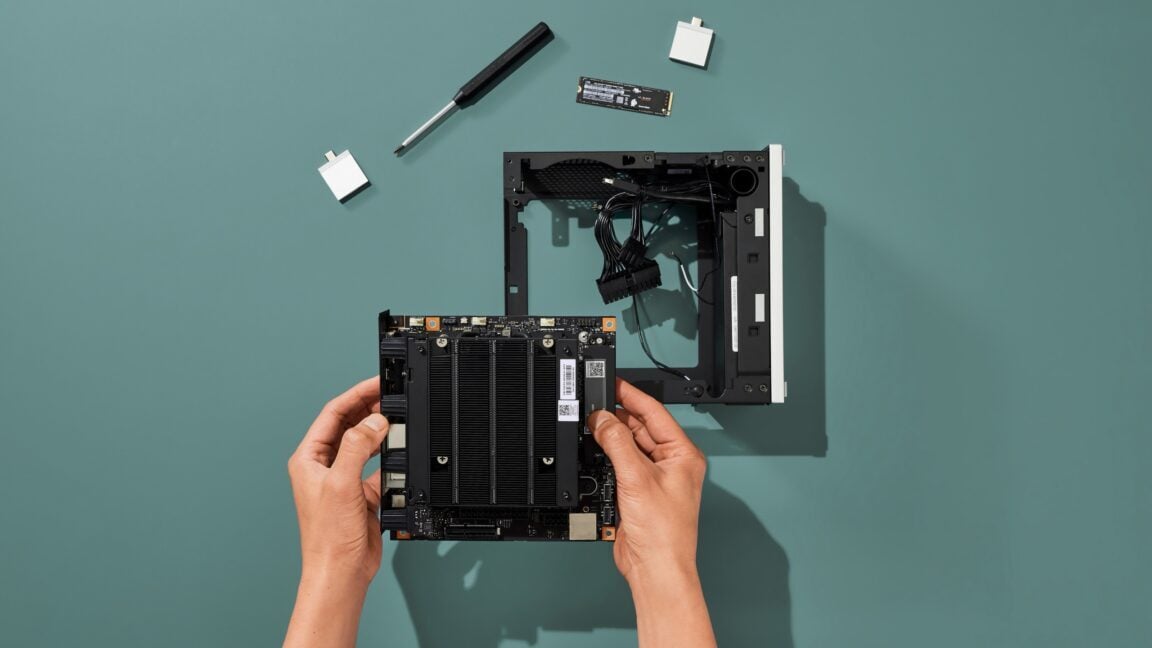
Custom Case for Minisforum MS-A1 with Noctua cooler

I had a Gigabyte ITX motherboard with an 8700G in a Goodisory A01 case which made a pretty great APU build. However I couldn't help feeling that the ~30W idle was a little disappointing. I tried swapping my CPU and SSD into the MinisForum MS-A1 which runs on average 20W lower. (At idle, that's about 65% less power). This thing is drawing nearly the same power as an 8th gen i3 NUC now. However the cooler on the MS-A1 leaves a lot to be desired. It's kind of loud, audible even at the lowest settings, there's no custom fan curve in the UEFI, and it isn't even that effective. I wanted to throw my Noctua NH-L9i on it, but the cooler mounting holes aren't AM5 spec and the case doesn't fit anymore. So I designed and 3D printed my own cooler mounts and case to match. I also designed a custom fan controller with a thermistor to monitor the heatsink temperature and control the fan speed. It plugs into the existing 4 pin micro-jst connector on the board and can be programmed with simple low / high temperature and associated PWM duty cycles.

This thing now idles at 12W, 28c, and in complete silence. At maximum synthetic 16 core CPU load, it drinks 70W and hits around 60C, and under a typical gaming load it only hits 50C, and the cooler is much quieter than stock. I am running the CPU in the AMD 35W UEFI power profile as I find it barely impacts performance but keeps things considerably cooler.

I uploaded the cooler mount and the case to Printables in case any one is interested to make their own:

View original on lemmy.world
sffpc·SFF PCbyzdanger

Minisforum BD790i X3D for sale on the Minisforum EU site

I've been keeping an eye out for the BD790i X3D since they confirmed they'd be releasing it in March. Looks like it's available in the EU but I haven't found it listed on the minisforum.com website yet

Edit: looks like they added it to the US site: https://store.minisforum.com/products/minisforum-bd795ise?variant=46451384385781
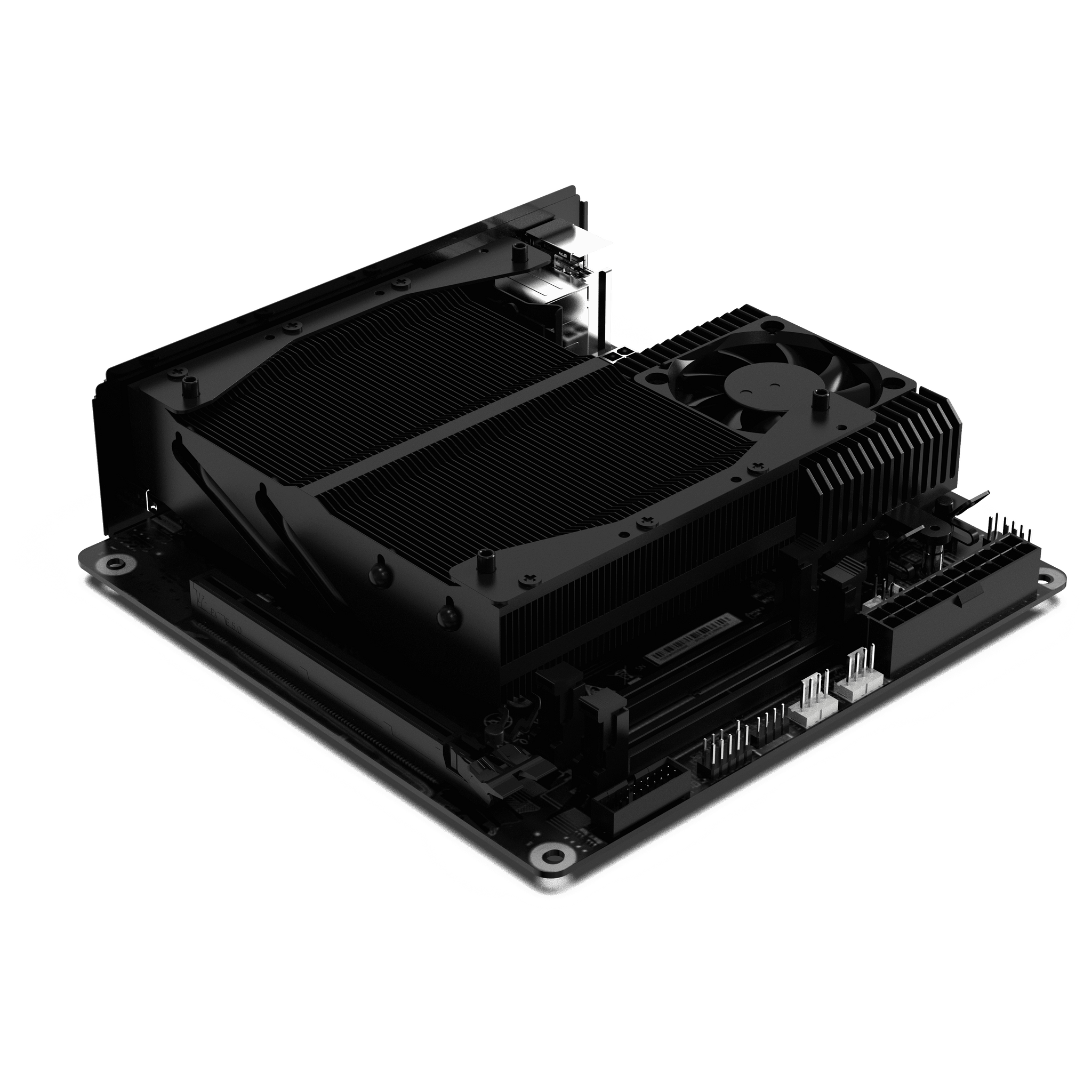
Minisforum BD790i X3D for sale on the Minisforum EU sitehttps://minisforumpc.eu/en/products/minisforum-bd790i-x3d-motherboardOpen linkView original on lemmy.world
sffpc·SFF PCbyalkaliv2

NR200 with 3D Printed Mods

Edit: Dropped one more internal photo and fully expecting the community let me know that's definitely not how to route motherboard and fan cables 😂

Wanted to post this here as I'm barely able to call this SFF anymore. I went a little crazy on thingiverse and printed both the Top Hat mod by NaturalNetworks and the dual front fan mod by isotope_jx who both shared their incredible designs. I paired the top hat mod with my Kraken 240mm AIO and the front fan mod is being paired with two Corsair ML120 Pros. I can definitely say my case airflow has improved including the bottom of the case where my GPU sits. Got about 8 degrees lower on the GPU while idle and about 10 degrees under full load. CPU still testing. I did not cut the front of my case as mentioned on thingiverse for the front fan mod so it likely isn't giving the CPU as much air as it could be getting. There are some small gaps but that definitely came down to printer variance. I did PLA for the top hat mod and ASA for the front fan. 50% in-fill on both, supports enabled, using orcaslicer and Qidi Plus 4 printer. Was able to print the entire front fan as one piece but top hat mod I did have to leave in smaller pieces and build it. Rest of the rig info is below. I won't be sharing the inside of my case photos as my cable management is shameful but if there are pictures you want to see let me know!

NR200 All Mesh Side Panels Gigabyte Aorus B550i Pro AX Ryzen 5800X3D Kraken 240 AIO in Push Config Corsair SF750 Platinum 32GB GSkill GDDR4 4000MHz RAM (Running at 3800MHz) MSI 7900 XTX Gaming Trio Classic (PTM7950 Mod for GPU die)

View original on lemmy.world
sffpc·SFF PCbyalleycat

Water cooled Fractal Terra with sound card and 3d printed breakout module

Hi! Here is my "cheater" build for the Fractal Terra case:

Components 
Case: Fractal Design Terra
CPU: AMD Ryzen 7 7800x3d
GPU: RTX4080SUPER with Bykski water block
PSU: Corsair SF1000, 1kW
Mainboard: Asus Rog Strix B650E-I Gaming Wifi
Sound Card: ESI MAYA44ex
External Cooler: Mo-Ra IV 400

I designed and 3d printed a carrier for the sound card, which is now piggybacking on the water block of the GPU. It is connected to the Mainboard via a M.2 breakout cable and M.2 to PCIe-adapter. I get 1ms latency in Guitar Rig 7.

The water cooler is controlled and powered by the mainboard via a breakout module, which connects to the PSU and the pwm outputs of the cpu fan and aio connectors on the mainboard.

The whole setup is entirely inaudible even under full load (like rendering in Blender3d).

Edit: corrected a typo: it's a 4080Super, not a 5080

View original on lemmy.world

Rough measurement of the new Powercolor 9070XT cards by u/HyruleanKnight37

I do try to avoid linking to the other place but just wanted to repost this here for those interested, credit to u/HyruleanKnight37.

Prefer AMD cards as I run Linux so definitely interested in getting a 9070XT Reaper for my living room PC build in the CH160. Currently, I've got my trusty old EVGA 1080ti black edition holding the fort but it's understandably struggling at 4k for some modern games. Sad that only the reference 7900XT/XTX seem to be compact enough at the high end!

https://www.reddit.com/r/sffpc/comments/1ia7cmp/did_some_crude_measurement_of_the_new_powercolor/Open linkView original on feddit.uk
sffpc·SFF PCbyTelorand

Had to upgrade my CPU cooler. Found this comparison of the heights of the Phantom Spirit 120 SE vs Normal/EVO.

My Big Shuriken 3 isn't really sufficient for my new 5700X3D, even with undervolting, so I'm upgrading to the Phantom Spirit 120 SE. I've seen elsewhere that some people claim that the SE and the Normal/EVO versions are the same height, and the 154mm height noted by Thermalright is coldplate to fin.

Well, here's what seems to me to be definitive proof that the SE is indeed shorter than its capped siblings. The 154mm seems to be coldplate to pipe tip. Note that this is not my image; I'm just sharing for anyone's future reference.

The new cooler will be going into an NR200 (non-P, non-Max), and it will be paired with the aforementioned CPU on a Gigabyte B550I Aorus Pro AX. It seems to be the same overall shape and tower offset as the Peerless Assassin, so I'm expecting it to fit similarly. Will post pictures when everything is installed and working.

View original on reddthat.com
sffpc·SFF PCbyalleycat

Proposed $2.6k Fractal Design Terra build

What do you think? Do you see any bottlenecks or budget balancing issues? I need it for CAD/CAM, 3D modelling, gaming (Cyberpunk, Witcher3 with raytracing, BG3)

The site says the cooler is not compatible, but according to noctua it is, if I mount the radiator underneath the cooling block.

Is the mainboard ok? I don't see the benefits of the more expensive ones. All they have is PCI 5.0, which the GPU doesn't utilise, and the riser card for the Terra is also only PCI 4.0

https://pcpartpicker.com/list/k4FsJnOpen linkView original on lemmy.world

First Build, Terra vs T1

For context, this is my first PC build EVER. Not just my first SFF. I'm kind of stuck right now on which to get. The T1 seems to be objectively better designed, but it also seems to be much more for the tinker/SFF enthusiast. Building seems a lot more difficult, plus the warranty doesn't seem to be nearly as good as what I could get on the Terra.

I really don't want to mess up parts, or the case, or anything really. The Terra seems super easy to build in, and is much nicer looking imo. I could snag a nice 4 year warranty, and just have it sit there for a while.

Anyone who was or is in a similar situation as me have advice? It'd be very appreciated.

View original on lemmy.world