

watchOS 10.2 now available: Here's what's new - 9to5Mac
 https://9to5mac.com/2023/12/11/apple-releases-watchos-10-2-for-apple-watch-heres-everything-new/Open linkView original on sopuli.xyz
Syndicated from the fediverse. Read and engage on the original instance.
View original on sopuli.xyzhttps://9to5mac.com/2023/12/11/apple-releases-watchos-10-2-for-apple-watch-heres-everything-new/Open linkView original on sopuli.xyz
7 replies
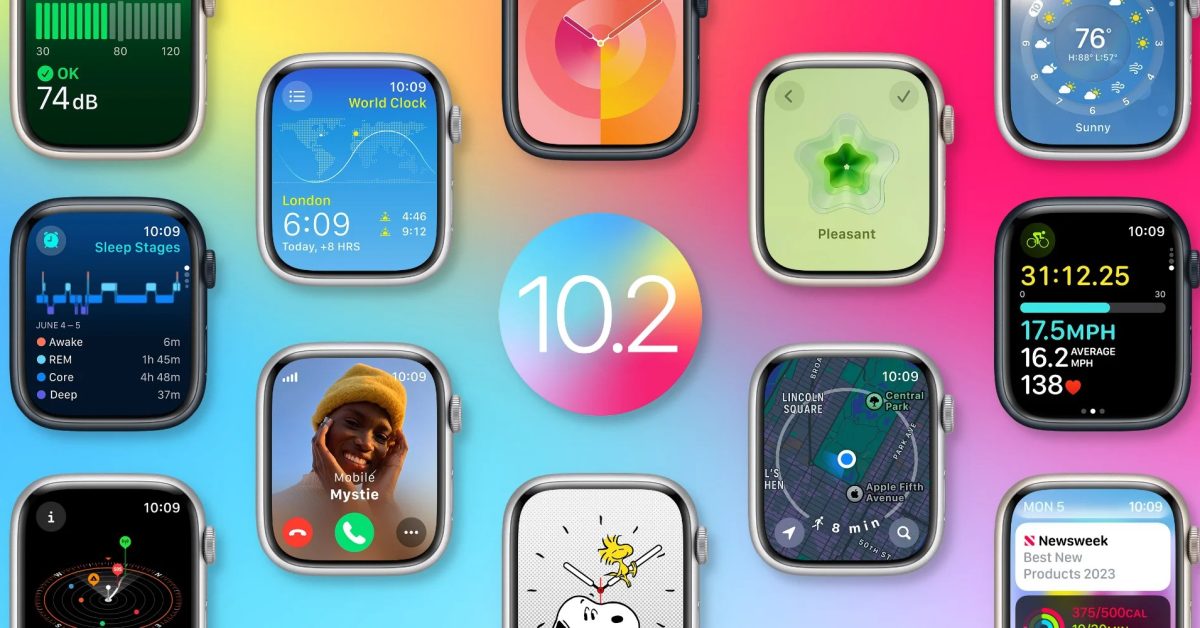
Swiping between watch faces is back ! (I’m unreasonably excited about this I know).
FYI you have to (on the watch, not your phone) go into settings>clock to enable this.
Anyone else with any tips for this update in general, please share them. Would love this community to be active and supportive.
Aaaaaaah! Amazing. I too am stupidly excited that I can swipe to change watch faces again. Bonkers decision to disable that in the first place. What the bloody hell were they thinking?!
I never liked it because I didn’t want to accidentally change the face, which happened a few times.
I was always surprised that there was no way to disable the feature.
But now we can both be happy. It’s a shame that the simple solution of making it a toggleable option took this long.
Thank you for telling where to find that setting. I tried to find it intuitively but failed miserably.
My wife and I were waiting for this. We each have specific faces for specific tasks. Wish you could set faces by geolocation for home or work.
You can tie a specific watch face to a Focus. And you can automatically start a focus by geolocation from Shortcuts/Automation.
WatchOS 10.2 is also needed for enabling Contact Key Verification in iOS 17.2.
You need to enable CKV yourself it seems.
Settings -> Apple ID -> scroll right down to the bottom -> contact key verification.