Spyke

Posts

perchance·Perchance - Create a Random Text GeneratorbyAshenthorn

Radio buttons and outputting NULL?

I'm working on a very simple t2i generator with simple radio button input for creating a prompt (choose an accessory).

Almost everything is working as expected, but I'm not sure if I'm doing it the best way.

I have an accessory list, and can output any of the accessories correctly... but I want NULL (wearing NO accessories) to be included if "Random" is chosen.

I'm sure there is something simple that I'm missing or maybe there's a better way to do this?

Thanks for any help!

Radio buttons and outputting NULL?https://perchance.org/0nk49ulineOpen linkView original on lemmy.world
perchance·Perchance - Create a Random Text GeneratorbyAshenthorn

"Network Failure" on Save to Gallery... [NOT SOLVED]

Just started happening within the past 12 hours or so. Anyone else having this problem?

I know that @[email protected] was working on gallery filters.. maybe this is related and hopefully temporary?

EDIT: This seemed to be fixed for a while but it is happening again. This time, the "Network failure" error message takes a lot longer before being displayed.

View original on lemmy.world
perchance·Perchance - Create a Random Text GeneratorbyAshenthorn

[Help] Hierarchical Consumable list?

I've been reading up on hierarchical lists in the tutorials and the reddit pages, but I'm having problems understanding and implementing the way I'd like.

I'm working on this generator (I may turn it into a plug-in).

What I'd like to do is have a consumable list of the regions, then output a random state corresponding to that region. I've got it working correctly for a single region/state output, but I'm having trouble with the state output for the consumable list items.

Also, I used a tutorial example for the output so it currently says: "The Plains region contains Missouri" - which is correct.

I'd rather it said: "Missouri is in The Plains region" .. but I couldn't figure out how to format the output since the state is a sub item of the region, so I can't swap the output in the HTML

Any help/tips would be appreciated!

[Help] Hierarchical Consumable list?https://perchance.org/l87prl9bea#editOpen linkView original on lemmy.world
perchance·Perchance - Create a Random Text GeneratorbyAshenthorn

[Help] T2i Styles tech question...

I'm working on a new generator, and I want to experiment with the T2i Styles plugin. I do NOT want to use the T2i framework, because I don't really need it and I want to have a little more control over the output.

In the styles plug-in code, there is a link to the Styles tester: https://perchance.org/prompt-style-tester#edit

This is exactly what I'm looking for. HOWEVER: The tester doesn't work as-is. =/

Ex: Choosing a different style from the dropdown does nothing either onChange or Select > Go - it always loads the first Style in the dropdown (Painted Anime).

In the framework plugin, there IS a "remember" variable that gets set when a style is chosen... but that isn't an option on the tester? Can this be implemented easily without having to use the "Remember" plugin?

@[email protected]

@[email protected]

Thanx for any tips!

View original on lemmy.world
perchance·Perchance - Create a Random Text GeneratorbyAshenthorn

Default value on page load?

There was a recent thread that has been deleted titled: [allogen] just the most genericest generator ever

This generator had a nice feature to apply artists to the t2i plugin... but it had a LOT of external stuff going on plus performance-killing full-size page background images... as well as a lot of extra code and styles that I don't really need. I know @[email protected] commented on it.

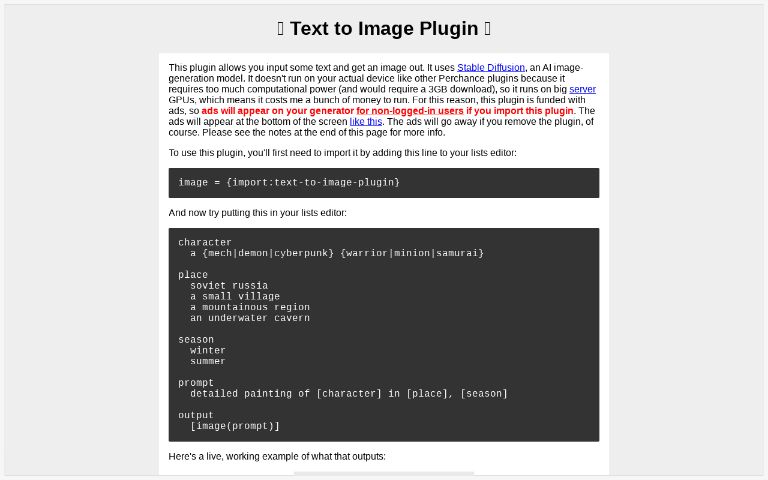
Based on that gen, I figured it would be handy to have an artist plugin.. so I made one called "artist-plugin" so I could import it into t21 generators. https://perchance.org/artist-plugin

Now I'm working on a demo generator using this plugin, and I'm 99.9% happy with it so far. I'm still doing minor tweaks to make it even cleaner. It's VERY basic: https://perchance.org/aa3den2ecy

Everything is working perfectly EXCEPT: When the page first loads, the artist that displays is NOT being used for the initial images that are displayed (because it's random from the plugin).

Clicking on the buttons (Artist name buttons or random Artist button) works as intended, and then everything is fine until the next page reload. If you click the "Update Images" button BEFORE choosing an artist, everything is random and the artist title is not related to the images.

How can I get the Artist correct (in the heading AND in the prompts) on the first page load? Init? Store a variable? I'm sure I'm missing something silly and simple.

Thanx for any help!

View original on lemmy.world
perchance·Perchance - Create a Random Text GeneratorbyAshenthorn

Text to Image plugin seed generation change?

Greetings,

At about 07/08:00 UTC yesterday, the seed generation/display behavior seems to have been changed.

At that time, the generated seed on all images started displaying as -1 after generation - instead of displaying the actual generated seed. Ex.: on hover or clicking the image info button, it would display (seed:::-1)

As of right now, the generated seed is displaying properly again, but there is no longer a refresh button to regen the image based on the current (last used) seed.

Is this a permanent change to the plugin? If this is a permanent change, is there any way to retrieve the current seed from the promptData programmatically in order get back the lost refresh button/functionality?

@[email protected]

Text to Image plugin seed generation change?https://perchance.org/text-to-image-pluginOpen linkView original on lemmy.world
perchance·Perchance - Create a Random Text GeneratorbyAshenthorn

[Question] Text to Image Plugin

Is there an easy way to output the seed value for copy/paste?

It IS visible on hover, but to copy/paste it, I have to: inspect the image in browser dev tools, click to edit the image element, find the seed text, select it, copy. Surely there must be an easier way without having to use the seeder plugin? 🤔

[Feature request] Alternatively, it would be nice if the seed appeared in a field when clicking an image after the image is saved to a gallery (like the prompts do).

View original on lemmy.world
perchance·Perchance - Create a Random Text GeneratorbyAshenthorn

[Feedback] Random Nationality Generator

I'm not sure if the original author will see this post.. but there are some gendering issues with the nationality list.

I've forked it for my own use, but I'm sure a lot of people are importing it, so it would be nice if the original was updated.

Changes:

  • Briton => British
  • Dane => Danish
  • Englishman => English
  • Finn => Finnish
  • Frenchman => French
  • Dutchman => Dutch
  • Irishman => Irish
  • Pole => Polish
  • Scot => Scottish
  • Slovak => Slovakian
  • Spaniard => Spanish
  • Swede => Swedish
  • Turk => Turkish
  • Yugoslav => (Rem.)
  • Welshman => Welsh
[Feedback] Random Nationality Generatorhttps://perchance.org/nationalityOpen linkView original on lemmy.world
perchance·Perchance - Create a Random Text GeneratorbyAshenthorn

Text to image plugin wishlist/discussion

Unfortunately, my current rig can't handle SD, so I was happy to stumble across Perchance.org

I am familiar with prompt writing and SD functionality due to using other web based generators...

Some of the features I miss are shown in the attached. Obviously I wouldn't expect all of these to be implemented here, but perhaps this could be used for some ideas?

These 3 are definitely handy:

The cfg (guidanceScale) is a LOT more sensitive (less granular?) here. On that site, I regularly went as high as 12 with excellent results. Here, things start to get pretty bad above 8 or 9.

gfp (GFPGAN) works excellently. Only a setting of 1 or 2 is used. I notice here, that if you generate a full body pic (or not even that sometimes), faces get pretty melty.

The Variant Seed thing is pretty neat - it lets you use a percentage of a seed image.

Whatcha think @[email protected] ?

View original on lemmy.world
perchance·Perchance - Create a Random Text GeneratorbyAshenthorn

Text to Image Gallery questions...

I've been messing with creating a t2i generator for a while, and I just discovered some things that I had no clue about regarding the gallery...

I understand how "Save to gallery" works, and that the default "public" gallery is specific to the generator, and images can also be saved to different user-definable galleries (are these also generator specific?).

What I didn't know was that the "NO" icon is NOT for deleting an image - it is for blocking a user (which is great functionality, btw).

Is there no way to selectively delete images from a gallery or the server? Do saved images remain on the server even if the specific generator is deleted? Are the saved images publicly accessible even if the generator is private?

Apparently if I duplicate the generator, it totally resets the gallery, so that's good. Does renaming the generator also reset the gallery?

I also clicked on the "Thumbs up" icon for the first time. Presumably, this is used for the "Sort by" functionality (trending, best), and for the hideIfScoreIsBelow gallery option.

What I didn't know was that there is no way to "undo" this upvote/downvote.

Is there no way to reset the score of an image, or change your vote?

Thanks for any insights!

View original on lemmy.world
perchance·Perchance - Create a Random Text GeneratorbyAshenthorn

Prepending single list items... best way?

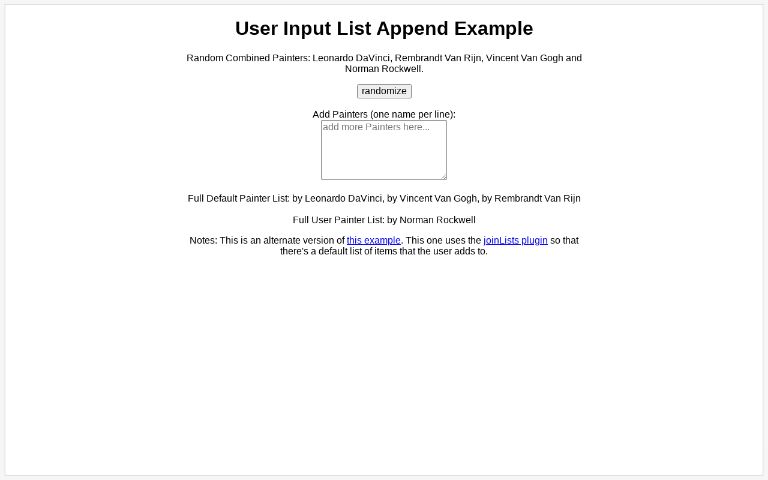
I'm working on my prompt generator, and I need to prepend my list items with a string: "by " (including the space).

I set this in the joinItems function of my output: joinItems(", by ") ... but this (obviously) doesn't include the first item of the list.

So I defined a prefix variable "pp = by"

Now my output is:

$output = [pp] [fa = defaultPainters.selectAll.joinItems(", by ")]

This works, but it seems a little kludgy - is there a better/preferred way?

Thanks for any tips!

Prepending single list items... best way?https://perchance.org/incitu8t9b#editOpen linkView original on lemmy.world
perchance·Perchance - Create a Random Text GeneratorbyAshenthorn

Text to Image generator help

Greetings, I'm working on my first t2i generator, and I'm in need of a little assistance.

I want to output 4 images with 4 different attributes for one of the prompt terms. Let's say shirt color. I understand that I could easily create 4 different outputs, but that would mean duplicating the whole prompt 4 times. I'd rather have it be more concise using one output and dynamically change on reload (with no duplicates).

A consumable list seems like what I would need, but it seems like this still requires 2 outputs?

This works, and outputs my 4 colors correctly with no dupes:

output1
  [c = shirtcolor.consumableList]
output2
  [c]

HTML:

[output1]
[output2]
[output2]
[output2]

I'd prefer it if I could get this to work with just one output. Thanks for any help or tips!

View original on lemmy.world

You reached the end