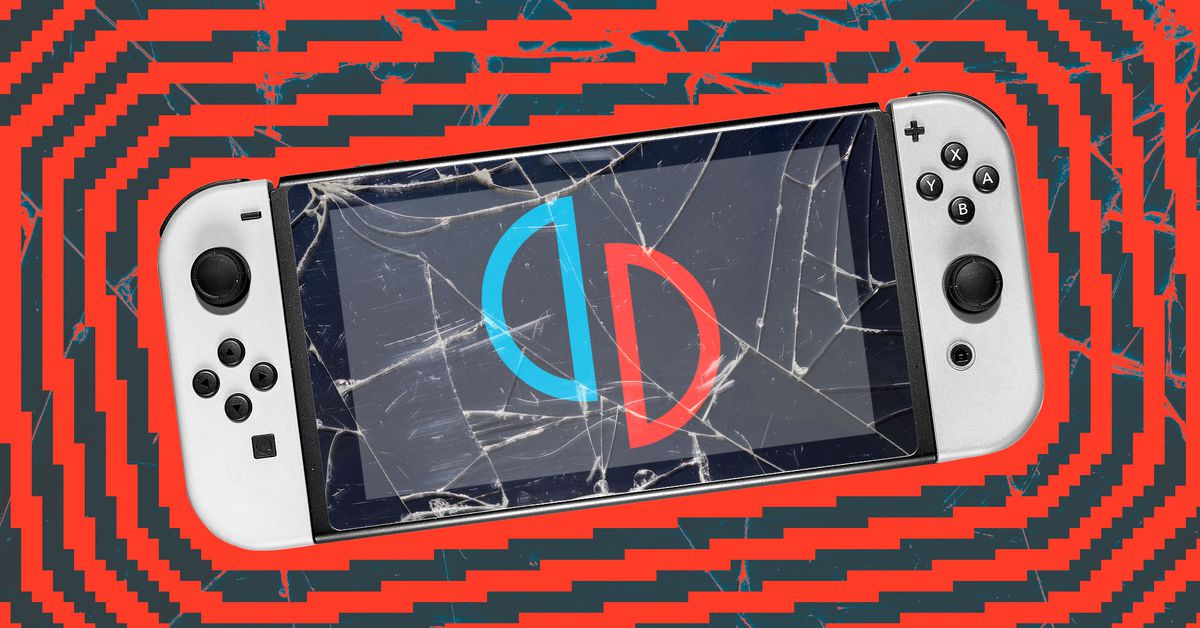

Suyu moved to Forgejo
After the DMCA takedown on Github/Gitlab,
Suyu (the active fork of Yuzu)
Moved to their own Forgejo instance.
 https://git.suyu.dev/explore/reposOpen linkView original on discuss.tchncs.de
Help preserve Yuzu's code base
cross-posted from: https://lemmy.world/post/12733354
As you all know or may not know,
Nintendo has taken down Yuzu,
see following post for more info on that:
https://lemmy.world/post/12728163
Now it's important to preserve the code base of Yuzu,
so hopefully someday, once things cooled down a little,
an active fork can stick it's head up.
After looking at the Azure DevOps Pipelines
of yuzu-emu/yuzu,
I noticed the latest pipeline ran 8 hours ago
as of writing this post:
- https://dev.azure.com/yuzu-emu/yuzu/_build
- https://dev.azure.com/yuzu-emu/yuzu/_build/results?buildId=26300&view=results
Which tells us that the latest commit,
was a merge of PR #13198 from
zhaobot/tx-update-20240301020652
This fork,
is the most up-to-date one / contains the latest commit
done to Yuzu before the take down:
https://github.com/zhaobot/yuzu/tree/tx-update-20240301020652
I encourage you all to pull, star and fork this fork,
not only the master branch, but all branches!
The more copies floating out there,
the better the project will be preserved.
You can pull the code base to your local machine, with:
git clone https://github.com/zhaobot/yuzu.git
(Requires https://git-scm.com/)
And you can pull in all the branches,
as described in this Github Gist:
https://gist.github.com/grimzy/a1d3aae40412634df29cf86bb74a6f72
Nintendo Switch emulator, Yuzu, developers settling lawsuit from Nintendo with $2.4M payout, handing over its domains, and agreeing "Yuzu [is] primarily designed to circumvent [DRM]".
Crossposted from ![email protected]: https://lemmy.world/post/12728165
This also includes ceasing development and destroying their copies of the code.
The GitHub repo page for Yuzu now returns a 404, as well. The website is still up, though.
![Nintendo Switch emulator, Yuzu, developers settling lawsuit from Nintendo with $2.4M payout, handing over its domains, and agreeing "Yuzu [is] primarily designed to circumvent [DRM]".](https://lemmy.world/pictrs/image/9fc021f0-e0c4-47dd-b1e0-83beaf350ab5.jpeg) https://www.theverge.com/2024/3/4/24090357/nintendo-yuzu-emulator-lawsuit-settlementOpen linkView original on lemmy.world
https://www.theverge.com/2024/3/4/24090357/nintendo-yuzu-emulator-lawsuit-settlementOpen linkView original on lemmy.world
Has anyone tried Super Mario Bros Wonder ?
I know it has just been released but it usually people are quick to try it out. I'm just curious how it performs ?


Yuzu Toolbox 3.2 release + now available on Itch.io! (OC)
Yuzu Toolbox (previously known as PineappleEA-GUI) is an all in one app for installing Yuzu-EA, managing saves and shader caches, and mod management. The app is entirely open source and I just released it on Itch as well!
What's new? The primary focus of this release was bug fixes + a new drop down error viewer for increased accessibility and quality of life. The change also re-adds the web-scraped version grabber for instances when the user has run out of Github API requests. The largest change however, is the branding. I decided to change the name and artwork for everything to better reflect the apps capabilities and increase the aesthetic qualities. I would reccommend installing the tool through Itch as at time of writing due to poor internet I am still struggling to upload the binaries on Github and Itch has a built in updater; but if you would like to contribute or report a bug the source is here:https://github.com/ZachAR3/YuzuToolbox
Features:
- Cross platform (Windows and Linux)
- updating with overwrites of previous versions
- Simple management tools such as clearing shader caches / install directory
- Shortcut creation and automatic unpacking for windows
- Basic backup tool (allows save directory to be duplicated into another directory and then restored when desired)
- Mod management features (downloading, installing and updating mods from a variety of sources; + ability to uninstall and detect manually installed mods) Current mod sources:
- Yuzu wiki
- Bananamods
- ZeldaTOTK Holo Github repo
(P.S) I am looking at adding the ability to download an update mainline Yuzu as well, but I would like to first see if that's something the community is interested in, so if you are please let me know. I am largely unsure due to the popularity of the flatpak and official repo versions on linux and the auto-updater on windows.
PineappleEA-GUI v3.1 released! (OC)
I just released version 3.1 of my yuzu early access manager + tool kit + general purpose mod manager. The update now includes the Github TOTK holo mods as a source for Zelda in addition to closing a lot of bugs and lots of backend work. Features:
- Cross platform (Windows and Linux)
- updating with overwrites of previous versions
- Simple management tools such as clearing shader caches / install directory
- Shortcut creation and automatic unpacking for windows
- Basic backup tool (allows save directory to be duplicated into another directory and then restored when desired)
- Mod management features (downloading, installing and updating mods from a variety of sources; + ability to uninstall and detect manually installed mods)
Current sources:
- Yuzu wiki
- Bananamods
- ZeldaTOTK Holo Github repo
PineappleEA-GUI v3.0 release! (OC)
I just released the third major version of my yuzu early access manager, which includes the ability to install and update yuzu early access in addition to some basic QOL tools and a mod manager for your yuzu games.
Changes
- Big mod manager refactor to now use custom classes and save the installed mods list
- Support for multiple sources when getting mods (currently the yuzu wiki and bananamods, with ZeldaTOTK holo planned next)
- New settings page to easily reset your settings and installed mods file incase of corruption
- New mod search bar
- Mod download progress and input locking when installing mods
- Better async support
- Lots of bug fixes and cleaning
Repo:https://github.com/ZachAR3/PineappleEA-GUI
P.S: I am looking at renaming it, since it is now quite a bit more than just a GUI for managing pineapple builds, any recommendations? Or should I just leave it as is.