Spyke
vscode·Visual Studio Codebytrymeout

SideX: VSCode without Electron, using Tauri instead

cross-posted from: https://lemmy.world/post/50947248

I was searching for an IDE like VSCode or Atom or Pulsar and found this. This looks cool. Not sure if most or many VSCode extensions will work with this fork.

I never liked Electron apps due to their bloat and always prefer Tauri apps.

Zed looks like a cool IDE but it is written in Rust and Rust is great for performance but for extension adoption, I can see this being an issue since more people know HTML/CSS/JS over Rust and I would image would prefer writing an extension in HTML/CSS/JS over Rust.

Therefore a good Tauri based IDE that is similar to the Electron IDEs would be interesting and perhaps will be good enough for performance, and developer friendly.

SideX: VSCode without Electron, using Tauri insteadhttps://github.com/Sidenai/sidexOpen linkView original on lemmy.world

5
vscode·Visual Studio CodebyEager Eagle

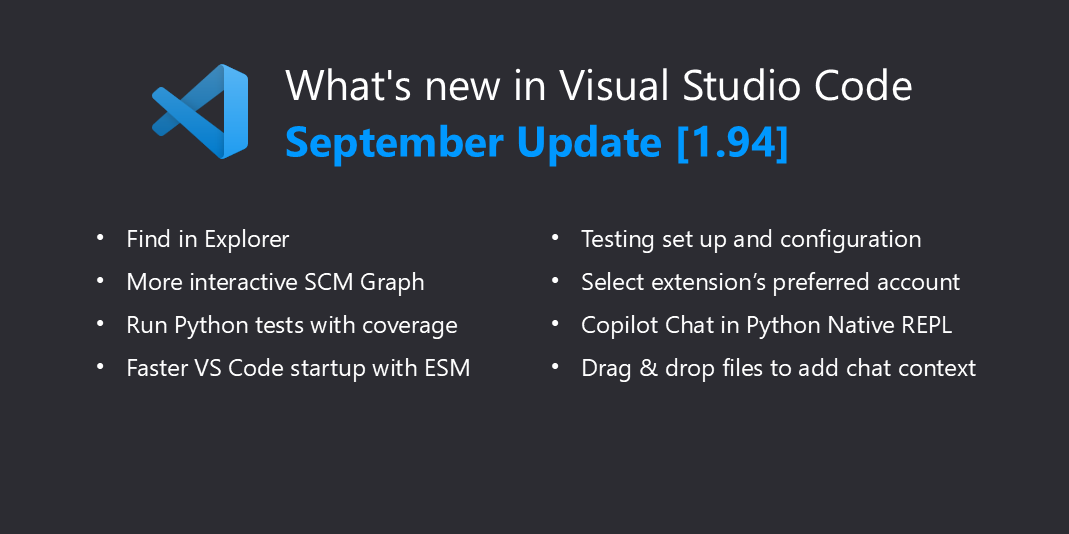
VS Code Release 1.94

  • Find in Explorer - Quickly find files in the Explorer view with the improved Find control.
  • Source Control Graph - More filtering options and interactivity in the Source Control Graph.
  • Python test coverage - Run Python tests with coverage and get rich results in the editor.
  • ESM - Faster VS Code startup thanks to the migration to ESM.
  • Account preference - Specify which account to use for an extension.
  • Copilot in Native REPL - Get code completions and Inline Chat in the Native REPL.
  • Improved chat context - Drag & drop files or use IntelliSense for more relevant chat context.
  • Test environment setup - Get help with setting up a test framework for your workspace.
VS Code Release 1.94https://code.visualstudio.com/updates/v1_94Open linkView original on lemmy.world
4
vscode·Visual Studio Codebylettruthout

Extension to highlight console.log lines then allow delete?

There are a number VS Code extensions that can be used to delete all console lines in an open file. But is there an extension that will highlight all console.log lines as a check before deleting?

Yes I know that one can select "console.log" then use the Command-F2 key combination to select all occurences in the file. Assuming I want to delete them all, I could then use one of the above-mentioned extensions. 'Am hoping to find an extension that will do both.

View original on lemmy.world
1