
Phoronix: Windows 11 vs. Linux Gaming Performance On The ASUS ROG Ally Review
Very interesting to see that Windows 11 is slightly ahead of Ubuntu. Clearly the Ubuntu experience isn't that polished yet, as there are various driver issues. Still very interesting comparison. I sort of can't believe you can play Cyberpunk on this thing.
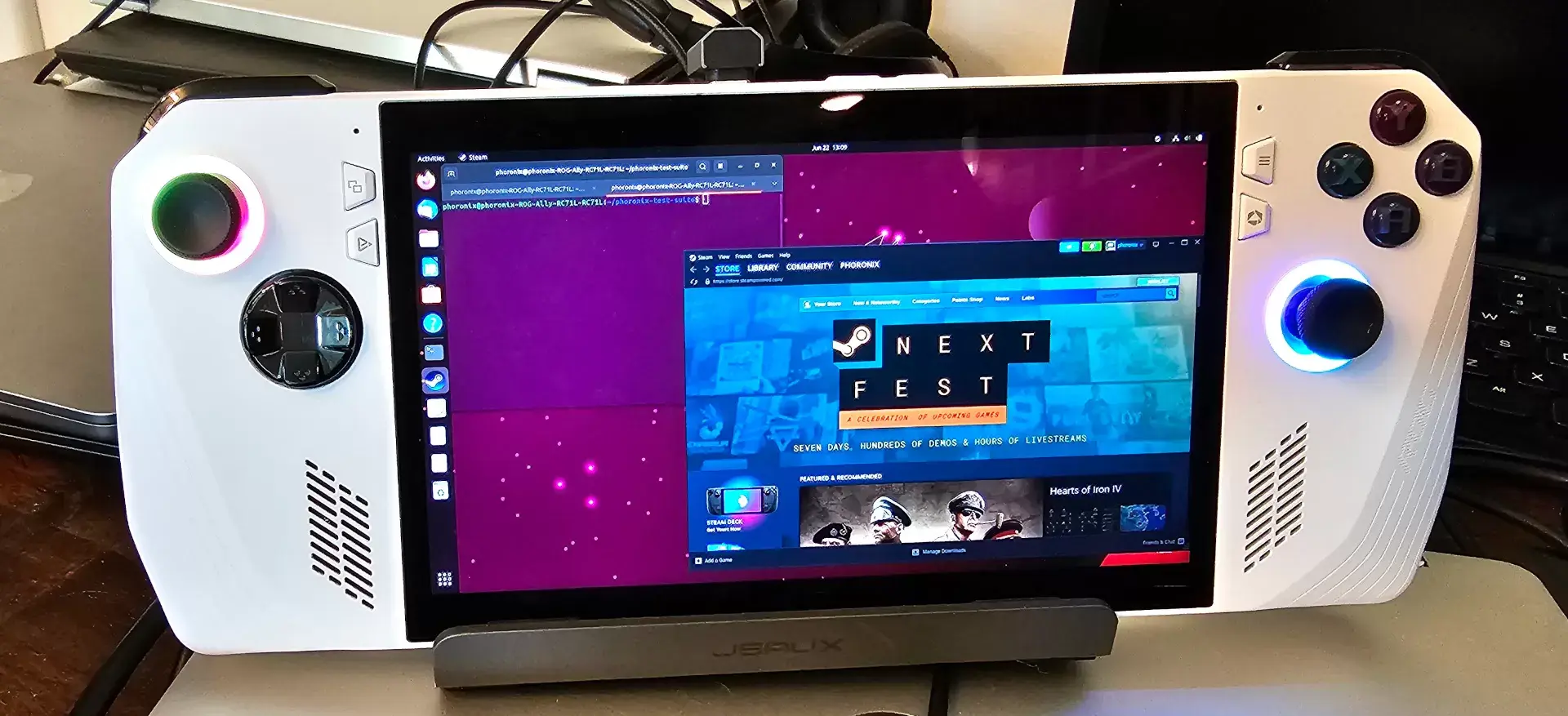 https://www.phoronix.com/review/rog-ally-windows-linuxOpen linkView original on feddit.de
5 replies
I think we have to give credit to Valve for making SteamOS as polished as it is. Even if you put a standard Linux OS on a handheld machine it's not going to be a giant success without software optimization
Yup and proton. It's bonkers to think that I went from dual-booting windows ONLY for games, to being able to play almost anything on Manjaro.
Glad to see the Linux numbers are looking pretty good right out of the box. I briefly tested ChimeraOS on my Ally but because it can't boot from SD cards I was booting via a USB card reader and that was causing issues. Hopefully I can get a bigger SSD soon and dual boot, as there are still some reverse engineering things I want to get out of Windows and with WiFi support not working in Linux it'll be a kernel release or two before it's truly viable it seems.
Is controlling such a small device / screen complicated? Do you use an external mouse / keyboard? I'm quite interested in getting one.
It's definitely not as nice as the Steam Deck because the Deck has touchpads. The Ally has a mode where the controller can act as a mouse but it's not great, and it requires the ROG software to switch between mouse and gamepad modes. Otherwise you're stuck with the touchscreen. I would recommend mouse and keyboard if you're going to be doing anything other than running the SteamOS/Big Picture UI (or the ROG Ally UI, but it's not great).
On Linux, I made a program that can use a touchscreen as a mouse that should be able to work on any device with a touchscreen. I originally made it for the PinePhone so that I could click on things easier, but with a few tweaks it would probably work on the Ally for a pseudo-touchpad.