

iOS 17: How to Make Haptic Touch Faster on iPhone
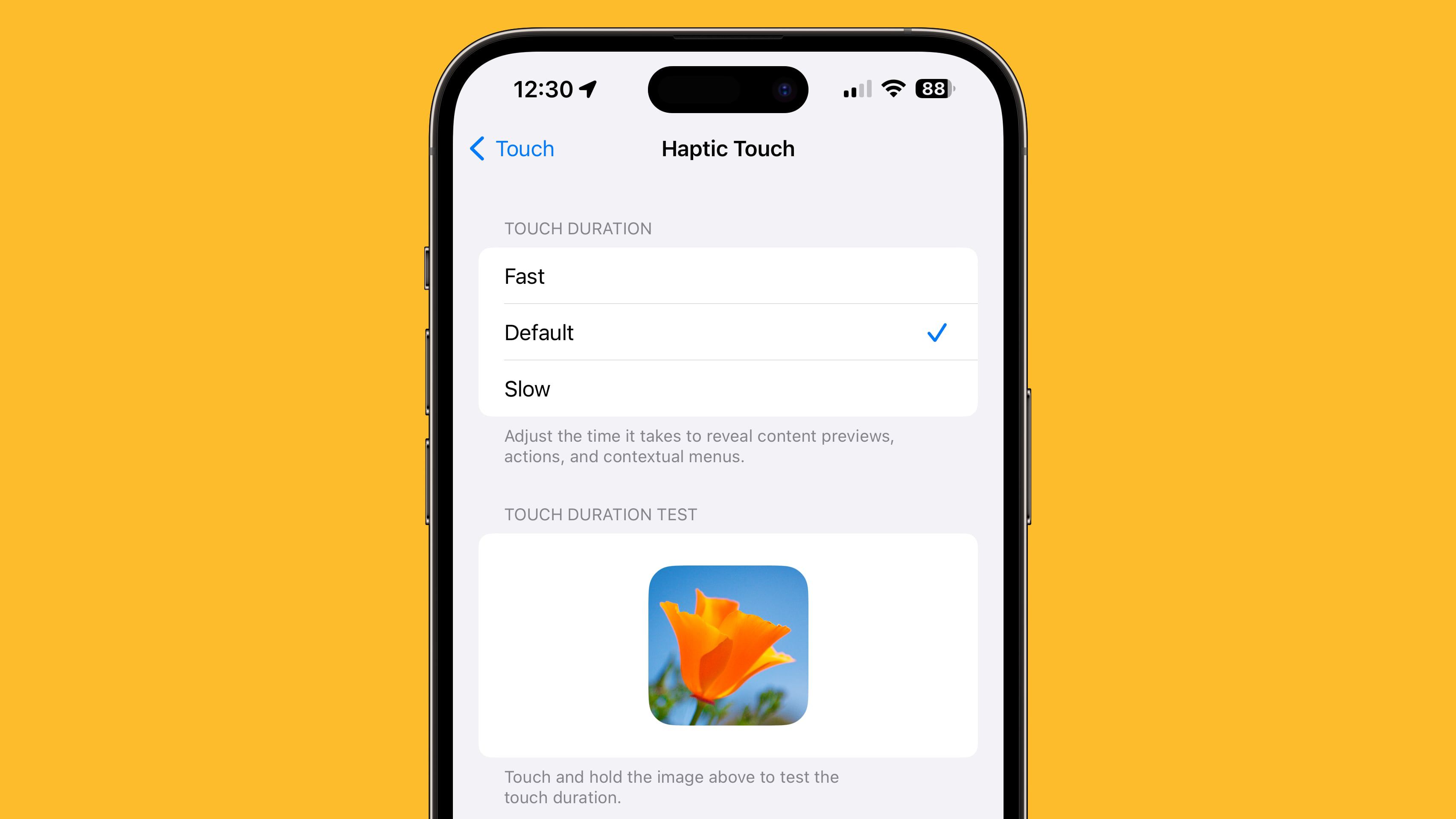 https://www.macrumors.com/how-to/make-haptic-touch-faster-on-iphone/Open linkView original on lemm.ee
Syndicated from the fediverse. Read and engage on the original instance.
View original on lemm.eehttps://www.macrumors.com/how-to/make-haptic-touch-faster-on-iphone/Open linkView original on lemm.ee
8 replies
I missed 3D Touch when they took it away, but having the Haptic Touch speed increased is actually quite nice
I used it for everything! It was always a nice surprise to learn how different apps would implement 3D Touch.
This is a godsend!! Thank you so much!
I hope I remember this when iOS 17 goes official.
There’s so many great features in Accessibility. Returning the shutdown feature to the power instead of Siri is great (under Top Button).
Isn’t this already there now in iOS 16?
Yes, that setting has already been there. But it got a speed bump.
Ah. I must have missed that in the article. Thanks!