
Steps to Use the sref Function
- Upload Reference Image: Upload the image whose style you want Midjourney to learn through the interface.
- Add Parameter: Add the --sref parameter and the image URL to your prompt.
- Multiple Style Reference: You can include multiple image URLs separated by spaces, for example: --sref urlA urlB urlC.
- Adjust Style Reference Intensity: Use the --sw (style weight) parameter to adjust the style intensity, ranging from 0 to 1000, with a default value of 100.
- Adjust Weights of Different Images: Add double colons and a value after the image URL to adjust the weight, such as: --sref urlA::2 urlB::3 urlC::5.
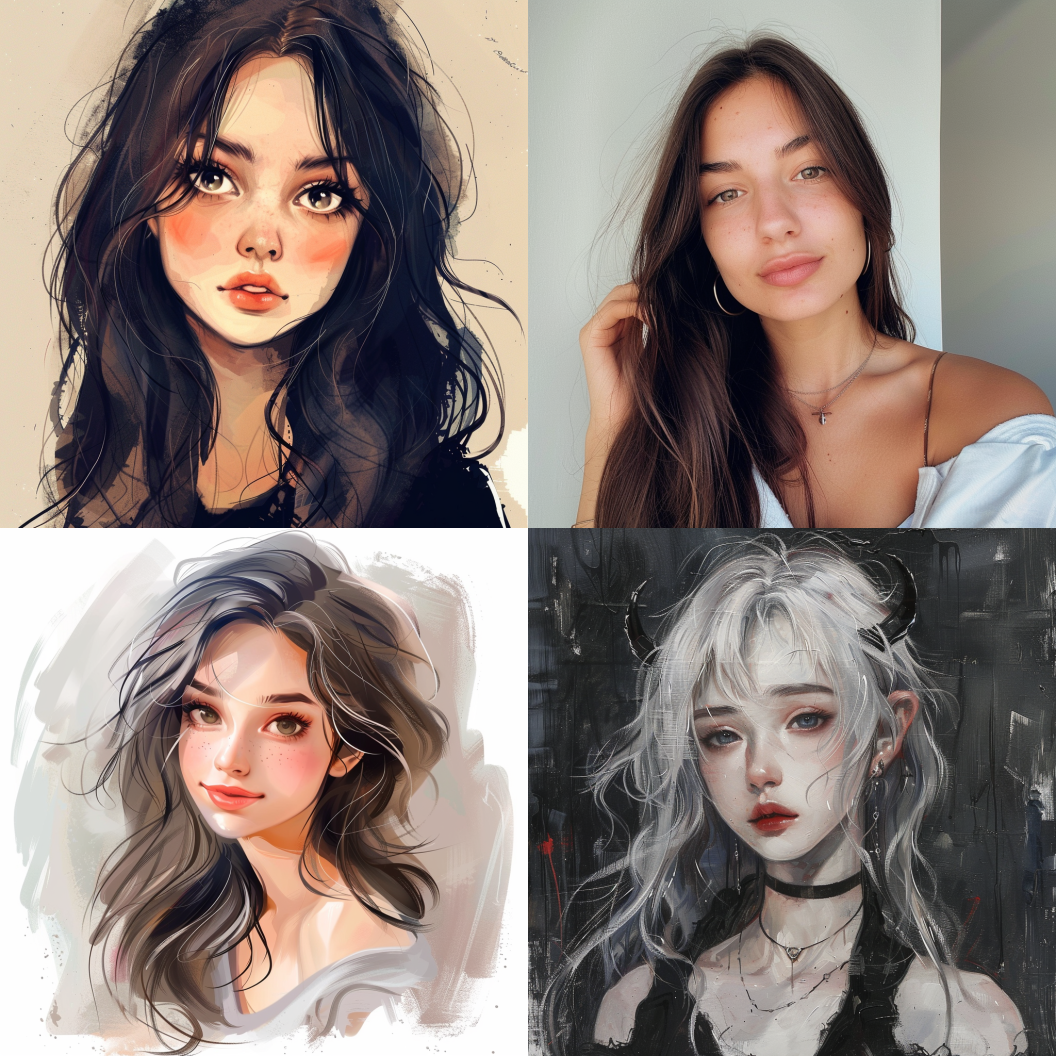 https://midjourneysref.com/guide/How-to-Use-Style-Reference-and-Style-Reference-CodesOpen linkView original on lemmy.world
No replies yet