Since that'll take a while here's a copy & paste from Firefox reader mode:
Intel just updated us on game crashes, and it’s not looking good
Ben Hardwidge
4 - 5 minutes
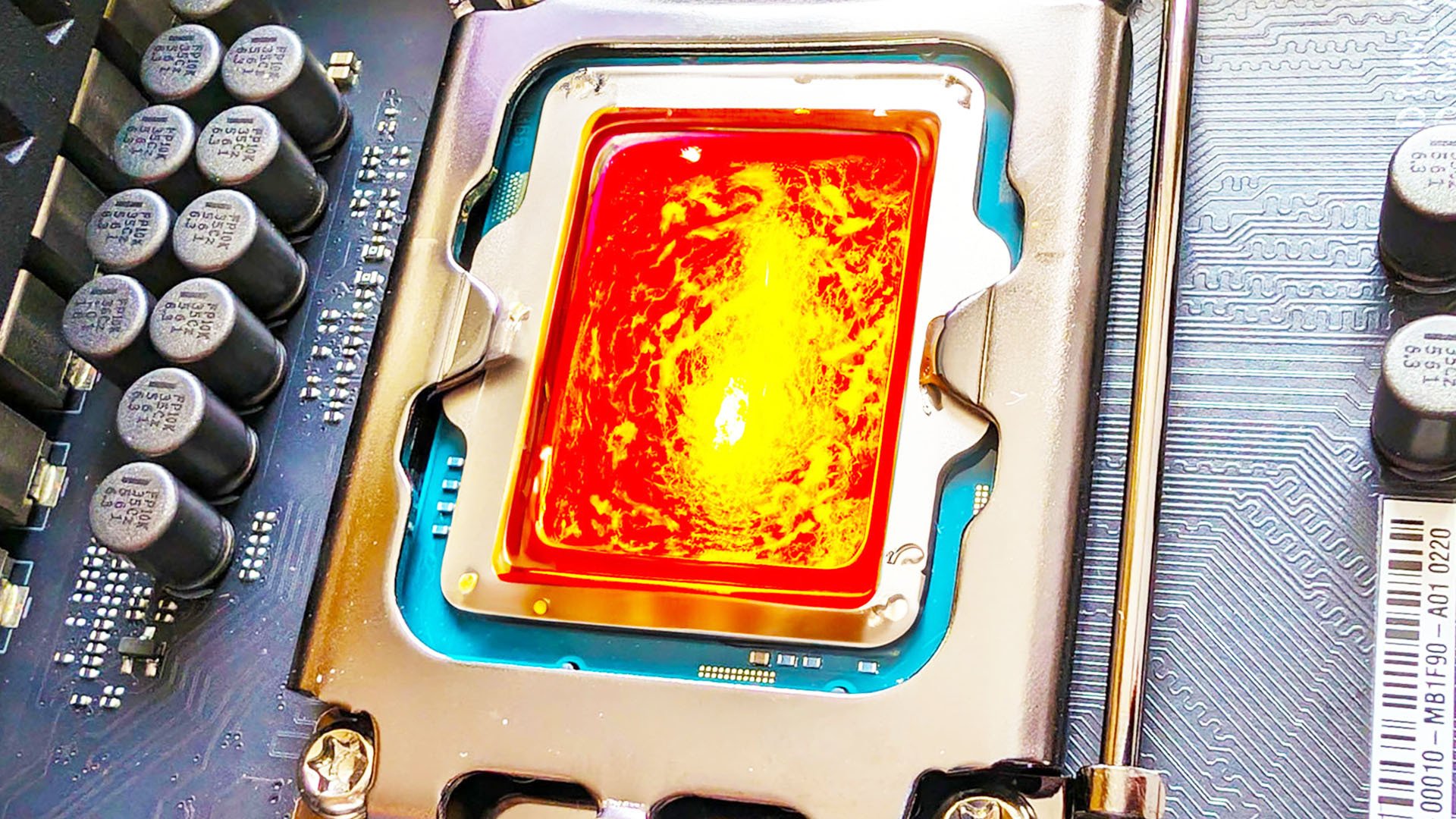
Intel has finally updated us on its search for the cause of game crashes on Intel CPUs, including the Core i9 14900K. According to the chip maker, a bunch of motherboard BIOS updates will be coming soon to fix one contributing factor, but the company says it’s still yet to identify the “root cause” of the game crashes on Intel CPUs.
The extreme multi-threaded power and high clock speed of the Core i9 14900K makes it one of the company’s best gaming CPU options right now, but there have been many reports of game crashes on Intel CPUs in games based on the Unreal engine recently. This latest announcement from Intel isn’t timely either, as the company originally promised to make a statement about the situation in May 2024.
Let’s start with what Intel does now know, which is that there is indeed a bug in its Enhanced Thermal Velocity Boost (eTVB) algorithm. The statement, posted by Intel communications manager Thomas Hannaford, says that Intel has already developed a patch to fix the eTVB problem, and that it’s currently talking with motherboard makers with a view to getting BIOS (firmware) updates out before 19 July, 2024.
Intel also says that the default settings for LGA1700 motherboards should stick to a limited set of parameters when it comes to power limits and thermal regulation so that CPUs aren’t overheating. Motherboard makers have already been issuing BIOS updates to conform to Intel’s default baseline settings, but Intel has also specified the following settings for several CPUs, from the Core i5 13600K to the Core i9 14900KS.
However, bear in mind that these settings are conservative compared to the loose default power settings applied to these motherboards when they were first released, and they’re highly likely to result in a drop in performance as a result.
Intel recommended motherboard settings
These are the recommended Intel default motherboard settings for stability:
Parameter
Value
CEP (current excursion protection)
Enable
eTVB (Enhanced Thermal Velocity Boost)
Enable
TVB (Thermal Velocity Boost)
Enable
TVB voltage optimizations
Enable
ICCMAX unlimited bit
Disable
TjMAX offset
0
C-states (including C1E)
Enable
Core i5 13600K/KF and 14600K/KF
Parameter
Baseline
Performance
ICCMAX
175A
200A
ICCMAC_App
150A
170A
Power limit 1 (PL1)
125W
181W
Power limit 2 (PL2)
143W
181W
Core i5 13700K/KF and 14700K/KF
Parameter
Baseline
Performance
ICCMAX
249A
307A
ICCMAC_App
200A
245A
Power limit 1 (PL1)
125W
253W
Power limit 2 (PL2)
188W
253W
Core i5 13900K/KF and 14900K/KF
Parameter
Baseline
Performance
Extreme
ICCMAX
249A
307A
400A
ICCMAC_App
200A
245A
320A
Power limit 1 (PL1)
125W
253W
253W
Power limit 2 (PL2)
188W
253W
253W
Core i5 13900KS and 14600KS
Parameter
Performance
Extreme
ICCMAX
307A
400A
ICCMAC_App
245A
320A
Power limit 1 (PL1)
253W
320W
Power limit 2 (PL2)
253W
320W
Disappointingly, though, as we recently reported, Intel still doesn’t know the root cause of the stability problems gamers are encountering, and specifically states that “while this eTVB bug is potentially contributing to instability, it is not the root cause of the instability issue.”
Intel also hasn’t provided a timescale for resolving the problem, simply saying that it will “continue working towards a conclusion to the investigation.” The company admitted that this “investigation is not an easy one to conduct and we’re grateful for both the support of our partners in conducting the analysis as well as the patience of the Intel community.”
Intel is expected to release its new Arrow Lake desktop CPUs before the end of this year, but in the meantime, its 14th-generation Raptor Lake CPUs are its best options for gaming. If you’re thinking of buying a new gaming CPU right now, we recommend picking up the AMD Ryzen 7 7800X3D instead, as it’s faster than the 14900K in most of our game tests, and it’s much cheaper too.

 https://www.pcgamesn.com/intel/cpu-game-crashes-updateOpen linkView original on lemmy.world
Would be great if I could read this, but the dickheads just region-blocked me somehow
Edit: thanks to everyone who made copies of the article and pointed me to open archives where everyone can read it
https://archive.is/AxPQP
You can do this yourself, here: https://archive.today/
Archived it on the wayback machine here.
Since that'll take a while here's a copy & paste from Firefox reader mode:
Intel just updated us on game crashes, and it’s not looking good
Ben Hardwidge
4 - 5 minutes
Intel has finally updated us on its search for the cause of game crashes on Intel CPUs, including the Core i9 14900K. According to the chip maker, a bunch of motherboard BIOS updates will be coming soon to fix one contributing factor, but the company says it’s still yet to identify the “root cause” of the game crashes on Intel CPUs.
The extreme multi-threaded power and high clock speed of the Core i9 14900K makes it one of the company’s best gaming CPU options right now, but there have been many reports of game crashes on Intel CPUs in games based on the Unreal engine recently. This latest announcement from Intel isn’t timely either, as the company originally promised to make a statement about the situation in May 2024.
Let’s start with what Intel does now know, which is that there is indeed a bug in its Enhanced Thermal Velocity Boost (eTVB) algorithm. The statement, posted by Intel communications manager Thomas Hannaford, says that Intel has already developed a patch to fix the eTVB problem, and that it’s currently talking with motherboard makers with a view to getting BIOS (firmware) updates out before 19 July, 2024.
Intel also says that the default settings for LGA1700 motherboards should stick to a limited set of parameters when it comes to power limits and thermal regulation so that CPUs aren’t overheating. Motherboard makers have already been issuing BIOS updates to conform to Intel’s default baseline settings, but Intel has also specified the following settings for several CPUs, from the Core i5 13600K to the Core i9 14900KS.
However, bear in mind that these settings are conservative compared to the loose default power settings applied to these motherboards when they were first released, and they’re highly likely to result in a drop in performance as a result.
Intel recommended motherboard settings
These are the recommended Intel default motherboard settings for stability:
Core i5 13600K/KF and 14600K/KF
Core i5 13700K/KF and 14700K/KF
Core i5 13900K/KF and 14900K/KF
Core i5 13900KS and 14600KS
Disappointingly, though, as we recently reported, Intel still doesn’t know the root cause of the stability problems gamers are encountering, and specifically states that “while this eTVB bug is potentially contributing to instability, it is not the root cause of the instability issue.”
Intel also hasn’t provided a timescale for resolving the problem, simply saying that it will “continue working towards a conclusion to the investigation.” The company admitted that this “investigation is not an easy one to conduct and we’re grateful for both the support of our partners in conducting the analysis as well as the patience of the Intel community.”
Intel is expected to release its new Arrow Lake desktop CPUs before the end of this year, but in the meantime, its 14th-generation Raptor Lake CPUs are its best options for gaming. If you’re thinking of buying a new gaming CPU right now, we recommend picking up the AMD Ryzen 7 7800X3D instead, as it’s faster than the 14900K in most of our game tests, and it’s much cheaper too.
When's class action time? 🍿
Just looking at what the 7800X3D eats for somewhat lower clocks, those power figures are insane.