

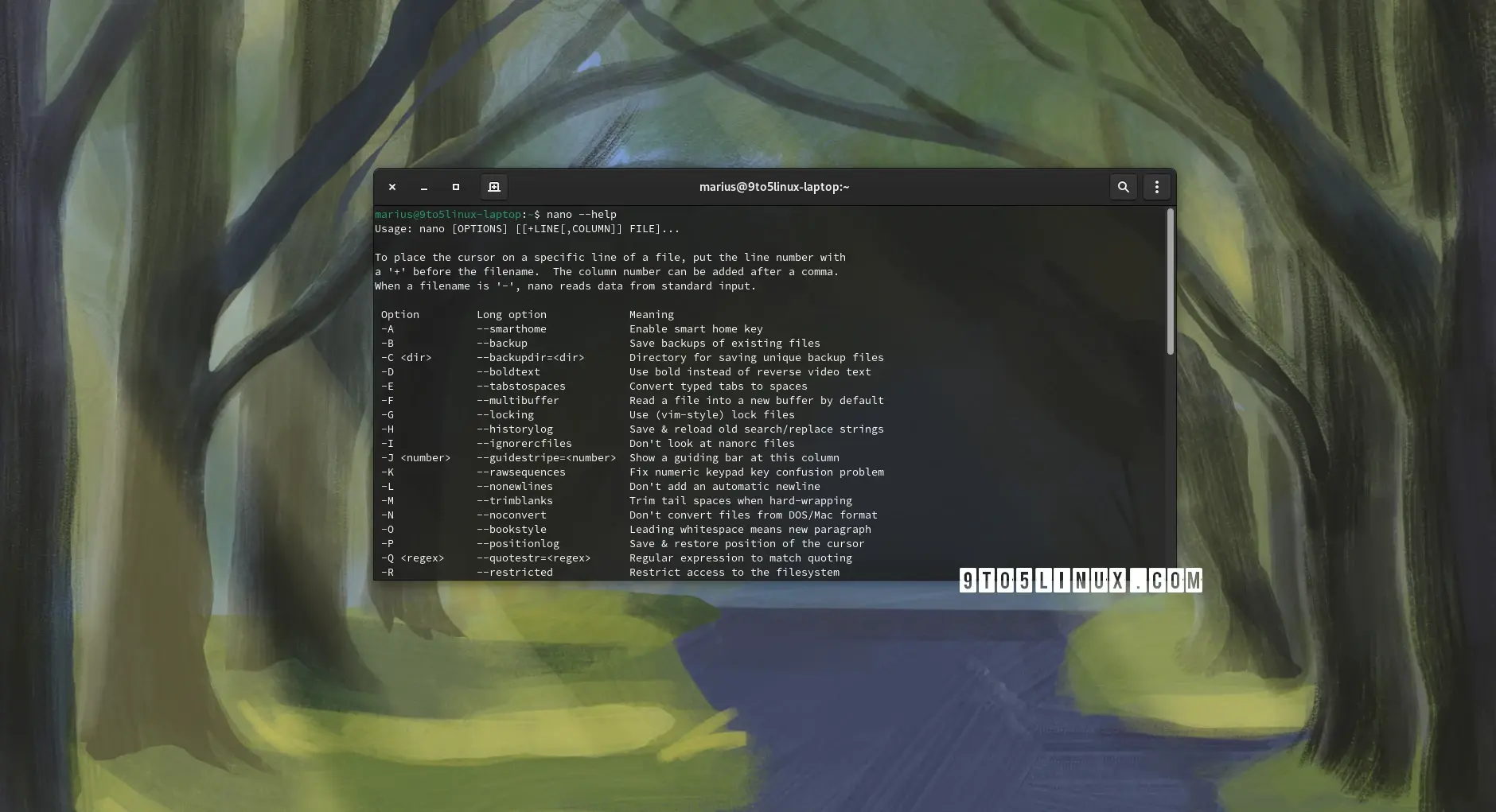
GNU nano 8.0 Released with New Options and Various Improvements
 https://9to5linux.com/gnu-nano-8-0-released-with-new-options-and-various-improvementsOpen linkView original on lemmy.linuxuserspace.show
Syndicated from the fediverse. Read and engage on the original instance.
View original on lemmy.linuxuserspace.showhttps://9to5linux.com/gnu-nano-8-0-released-with-new-options-and-various-improvementsOpen linkView original on lemmy.linuxuserspace.show
28 replies
GNU nano is a nice easy text editor... but it's so clunky when you have become comfortable with vim (perhaps the same with Emacs).
The trick is to never get comfortable with Vim or Emacs.
*taps forehead*
Using nano as a vim user is a lot less clunky than trying to use vim as a vim non-user though.
Or so I would imagine, all of the vim novices are still too busy trying to exit vim to share their experiences.
The worst and best thing you can do when using vim is learn the movement keys (
h,j,k, andl) because they're so powerful and work no where else.There is a vim mode available in a lot of other applications though.
handlare overrated, usew,b,eandfinstead.And leap.nvim
Thanks for the recommendation
Untrue, they also work in Nethack and other rogue-likes!
Yeah, doesn't work so well when you're not using qwerty though
That's not true. I'm on qwertz and I adore vim key bindings
Okay, perhaps I should have been clearer, that's on me.
I meant qwerty and related layouts.
Things like Dvorak and Colemak, the movement keys are spread across the keyboard and if you want to navigate that way you'll pretty much have to remap them, and probably remap the keys you've swapped. For me, it's just easier to use the arrows than go through that.
I mean, yeah, of course. Vims default keys are made for the "regular" layouts. But you can Mal everything yourself if needed. I'm sure there are pre made mappings for other layouts too.
I might check that out
Using the arrows may not be the most efficient, but I'm not spending enough time in vim to make that be an issue... Though I've seriously considered trying to swap to it from VSCode
Neat that it has this new modern binds mode where it understands normal copy paste and stuff
I'm a little bit excited by that
I love nano for simple things, like writing commits. Anything more complex and I use Sublime Text.
Also worth checking out helix editor. Once you do the tutorial it makes vim feel clunky
I think nano is good for quick and dirty editing.
Anything else should be done locally on your development machine with a GUI, then pushed to your server as an update.
Yeah I love nano. I can use vim a little, enough to make a change and save the output. I can even exit vim!
But 9 times out of 10 if I need to edit a text file in a terminal window, I'm just making a quick config change - I need the terminal equivalent to notepad, not the terminal equivalent to an IDE.
Nano is exactly what I need, nothing more and nothing less.
Why insist on a GUI for anything else?
apt purge nanois one of the first things I do on a new Debian installation. Much easier to remember than having to useupdate-alternatives,select-editorand the$EDITORvariable to convince the likes ofvigr,vipw,visudo,crontab -e,... that I really want to use vim as my primary editor.Honestly unreasonably infuriates me when I enter
visudoand find myself innano... Like, did I typenanosudo? Hell no!Annoys me that "modern" in this case means whatever Microsoft does and whatever Microsoft users are used to. Especially since a lot of those "modern" binding have been around since the 80s.
"Modern" has become one of those words that's way over used to the point of meaninglessness.
Those keybindings are prevalent outside of windows though, Ctrl+C is almost universally copy and Ctrl+V is almost universally paste - it might have been popularised by windows at some point in history but it's well beyond that.
There's an argument for consistency, especially with basic functions.
The modern keybinds might make me drop micro for nano again
same, likely switching back after a few good years with micro.