

What Is Wayland on Linux, and How Is It Different From X?
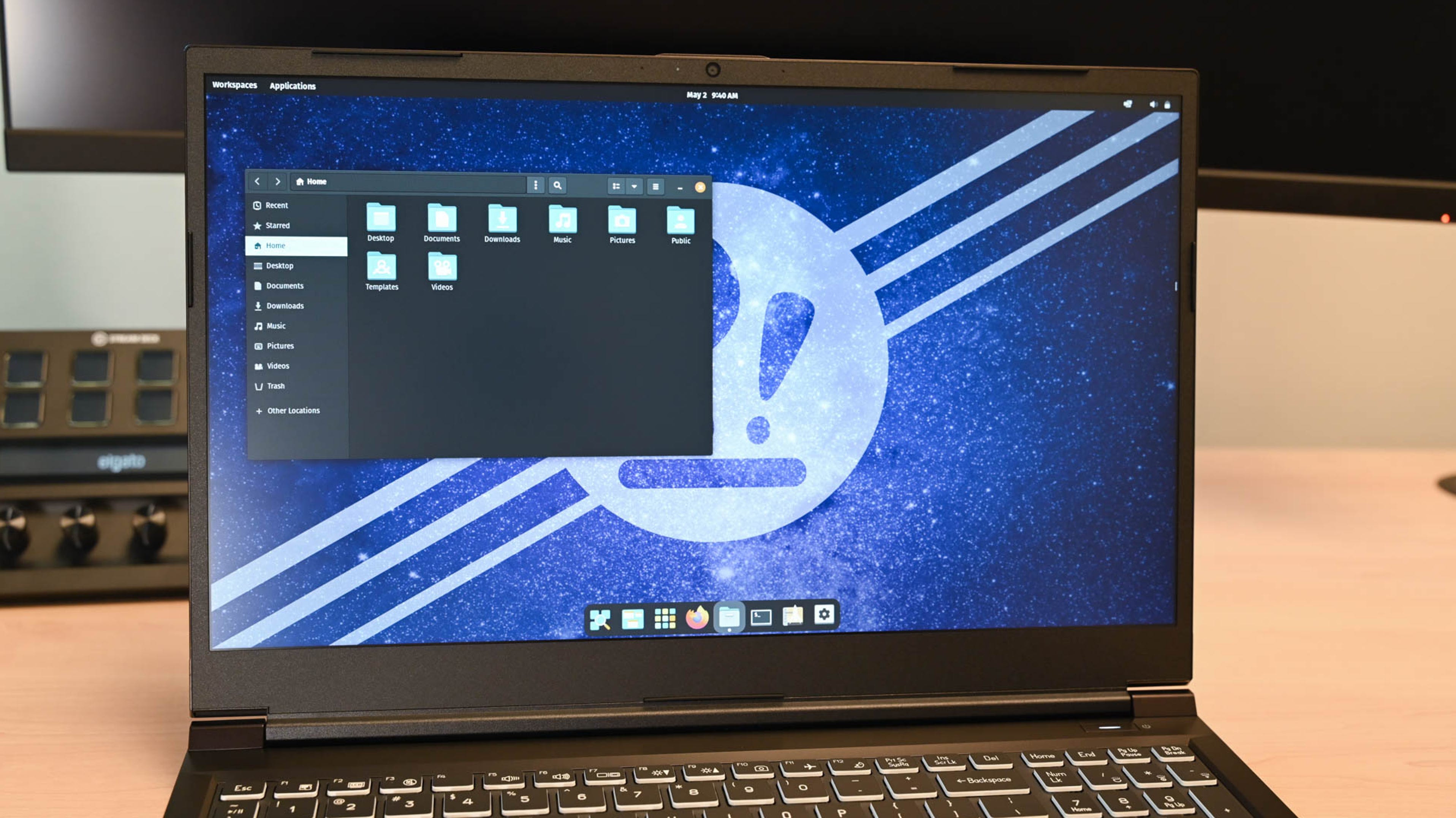 https://www.howtogeek.com/900698/what-is-wayland-on-linux-and-how-is-it-different-from-x/Open linkView original on discuss.tchncs.de
Syndicated from the fediverse. Read and engage on the original instance.
View original on discuss.tchncs.dehttps://www.howtogeek.com/900698/what-is-wayland-on-linux-and-how-is-it-different-from-x/Open linkView original on discuss.tchncs.de
19 replies
Tldr: No need to switch yet.
I admire the endurance of the wayland devs though.
Edit: added tldr
If you're using KDE, the improvement will be amazing.
Would never switch back
I do. What's the difference?
The compositor works way more precisely. The tearing is gone, font rendering and high resoltution images are way better displayed. Multi monitor setups are better, including different scales for different monitors.
I think there are more, but these are the improvements on wayland only I recognised during the last half a year.
It is so much smoother in literally everything, even on insanely powerful hardware.
Smoother? Can you give a specific example?
It's standard on Fedora already. But I remember first hearing about Wayland many years ago. So, definitely Kudos to the Devs 🙂
Unfortunately in production use Wayland feels like X.org from around 2000 (before the renaming). I was told not to worry about 'corner cases' but when small bugs pop up daily I just can't drive Wayland on my main office machine, although I'd really like to.
Give examples? Apart from RDP not being functional I don't see any reason for a simple office box.
My trouble is the Wayland Desktop session in Ubuntu LTS or openSuSE-Leap silently failing ever so often on different machines after a Wayland update. On production machines that's not something I can tolerate nor have the time to investigate, with my employees waiting.
LTS is just bad when you need up to date systems.
I've been using Wayland almost exclusively for around 2 years now and have had a way more stable and enjoyable experience than with X. Especially mixed refresh rate, VRR and scaling work way better, and the added security gives me peace of mind that sketchy / insecure apps aren't spying on me.
Yeah, you gonna need to give more context!
Your comment has no baseline.
That was not a statement of my own, I just rephrased the conclusion of the article.