

CLI tools hidden in the Python standard library
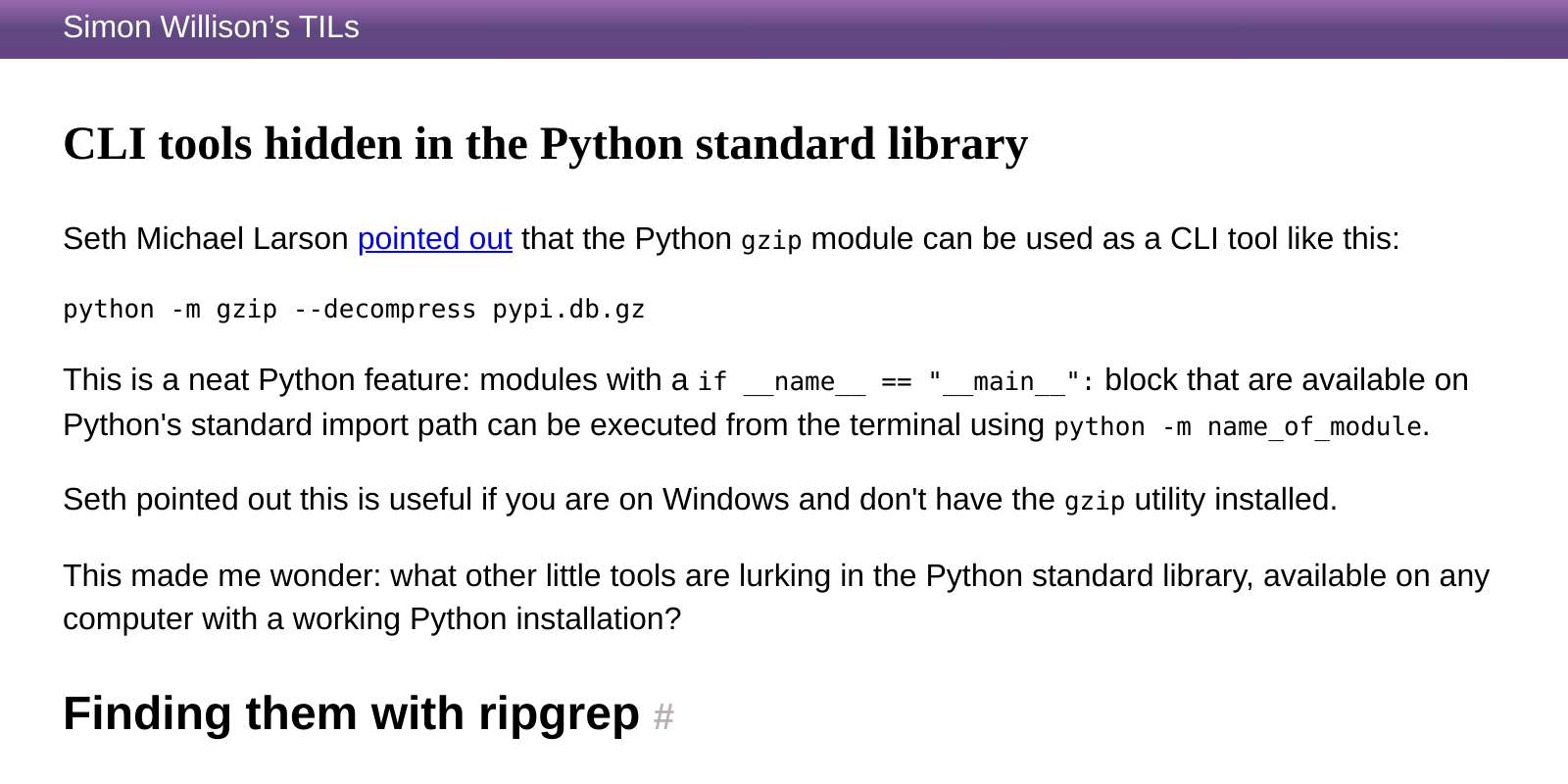 https://til.simonwillison.net/python/stdlib-cli-toolsOpen linkView original on programming.dev
Syndicated from the fediverse. Read and engage on the original instance.
View original on programming.devhttps://til.simonwillison.net/python/stdlib-cli-toolsOpen linkView original on programming.dev
13 replies
python -m http.servercame in handy so many times!@wasabi @learnbyexample one of my favorite super lazy ways to share a file
I use
json.toola lot to format JSON directly in vim. Simply highlight the text you want to format and run:!python3 -m json.tool. There are probably plugins to do this too, but doing it this way is probably the simplest, unless vim has a built-in for it.Could probably do the same with
:! jq .It's a bit shorter.Yeah, I knew someone was going to say that. Usually it's more likely that Python is installed than jq - especially on servers. But yes, that would definitely work too.
Sure, I'm just not sure when I'd ever run into that. Either I'm doing it a lot and installing
jqis reasonable, or I'm not allowed on the server anyway and need to copy/paste from logs.I used to use
python -m json.toola lot, but I haven't needed to in many years.Easier than grepping, you can just look at the standard library docs: https://docs.python.org/3/library/
How is that easier? It doesn't look like it provides a list of which modules have a
__name__ == "__main__"block.No. But, it does provide a list of all stdlib libraries and those, like gzip, that are intended to be compatible with the CLI tend to have explicit documentation showing usage (ex. https://docs.python.org/3/library/gzip.html) and provides any other contextual info related to using the library.
Don't get me wrong, grepping through the code is a great way of building skills needed as a professional. Really, I have to do this kind of thing multiple times every week at work. It is, however, also worth noting that Python only uses an "honor system" for public/private functions, methods, and classes so modules having an "if name == 'main'" block doesn't necessarily mean that they are appropriate to use as CLI tools. They might be but, without documentation to back it up, it's an "at your own risk" situation.
Pro tip: you can ignore filenames with ripgrep using
-g "!test/". That should speed things up a bit.python -m http.serverhas been a very useful tool to me, to test if a server is accessible.Nice work!
CLITools can be hard to find, but when you do it's worth the effort.